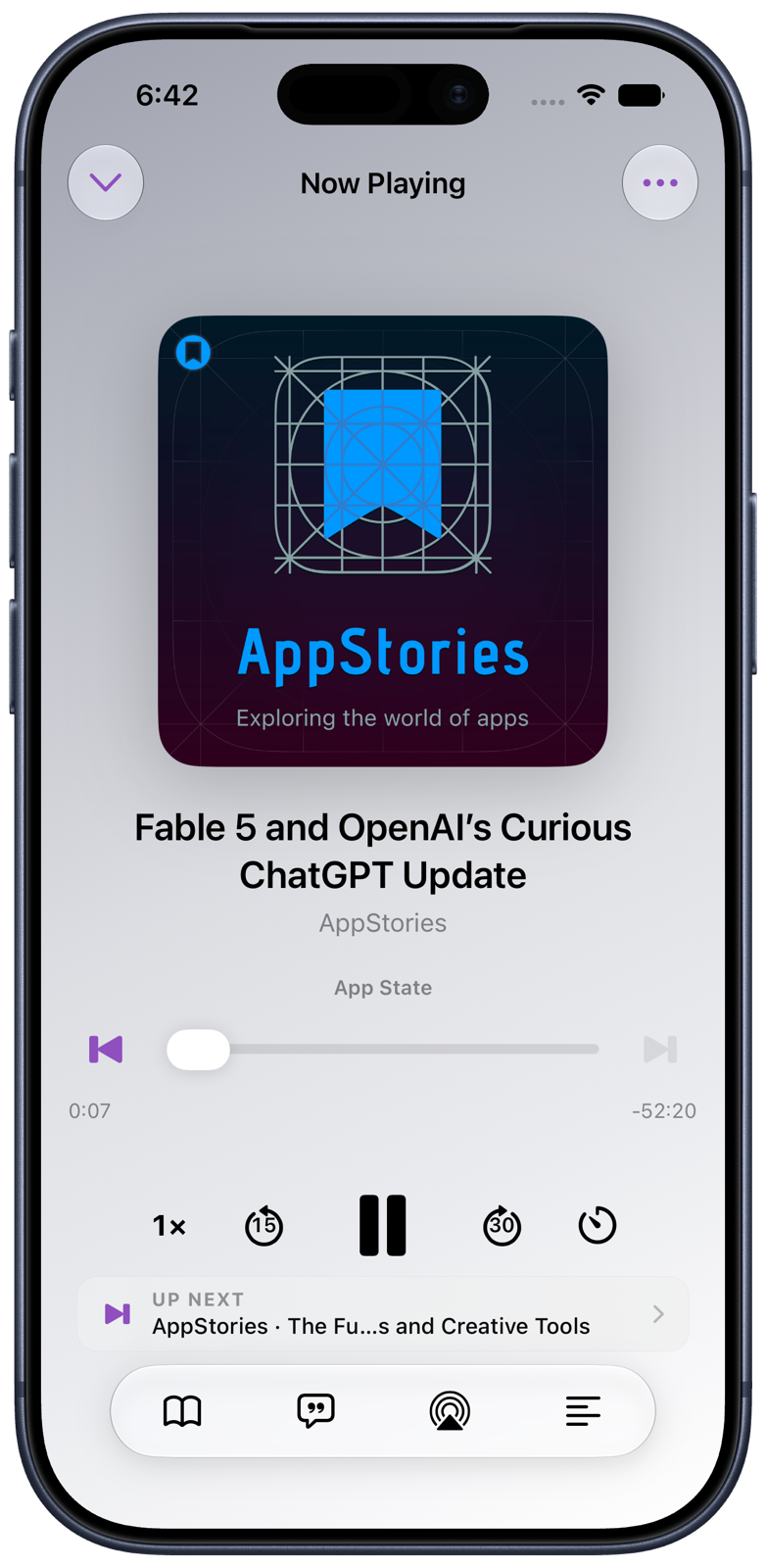
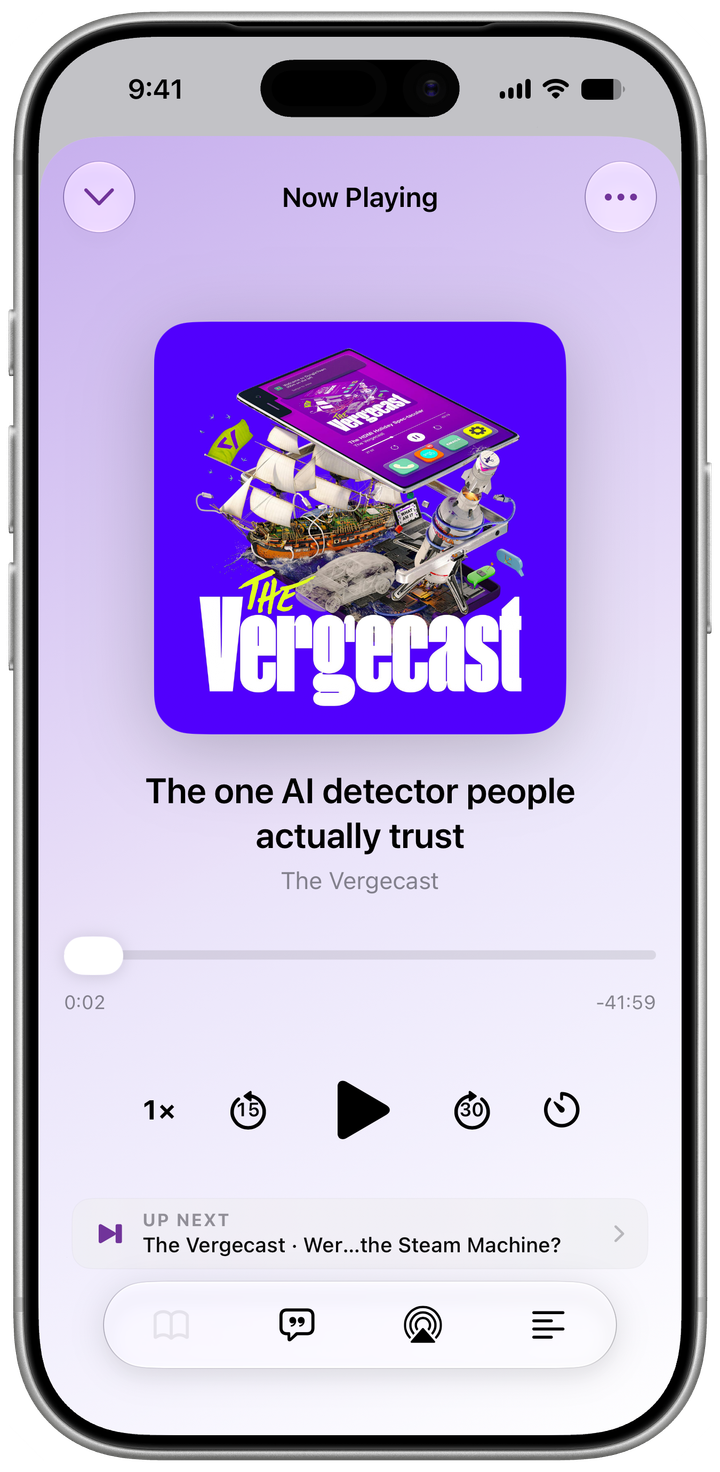
Now Playing
Stay in control.
Set your speed and sleep timer, listen over AirPlay or Bluetooth, browse chapters, and choose any you’d rather skip. With Continue Playing on, you’ll also see what’s on deck.
A calmer podcast player for iPhone
Try shows without turning every discovery into a commitment. Follow keeps a show close. Subscribe brings each new episode to Up Next. One clear queue reflects what you actually want to hear.
Built for iPhone · Requires iOS 18 or later
How it works
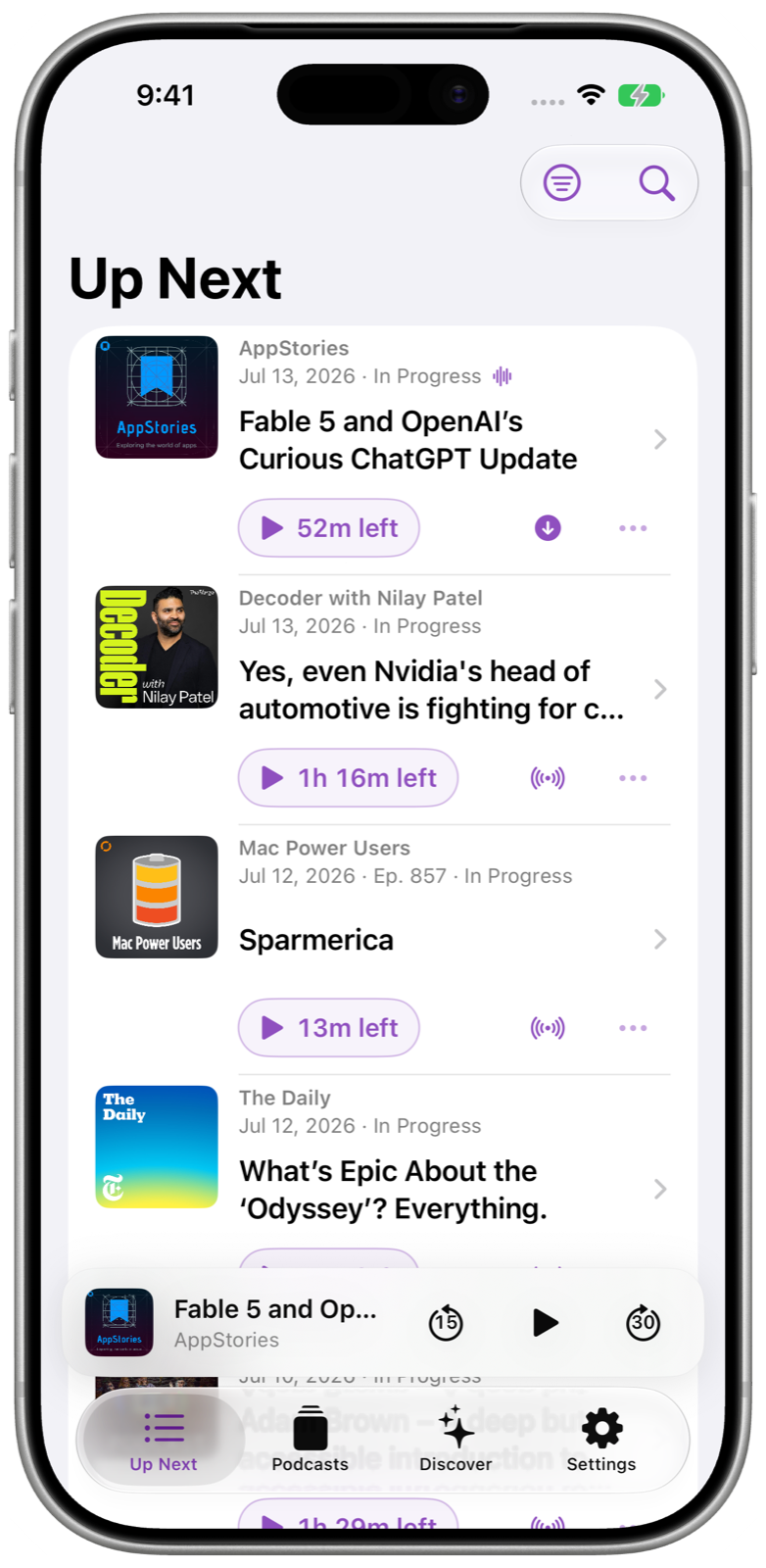
FeedCast keeps discovery, following, and subscribing distinct, so you decide which shows stay on your radar and which episodes enter Up Next.
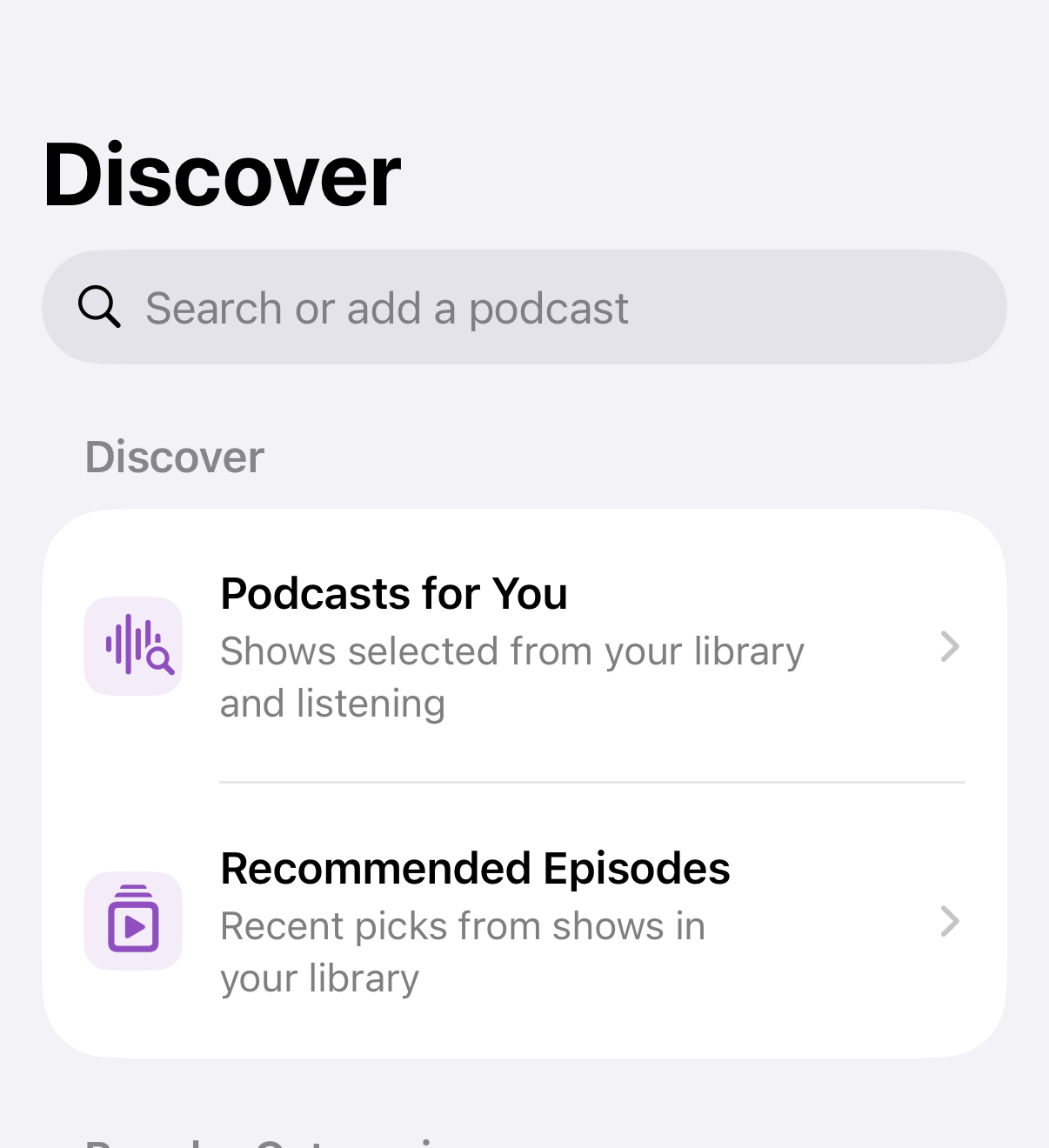
Find podcasts through search and personalized recommendations based on what you enjoy. Preview any show or episode before adding it to your library.
Interested, but not ready to commit? Follow a show to keep it on your radar, then add only the episodes that catch your attention.
Make a favorite show part of your routine. New episodes are added to Up Next automatically, with optional downloads for listening offline.
See everything you’ve chosen in one queue. Reorder episodes, remove what you no longer want, and decide exactly what plays next.

Built for listening
FeedCast keeps playback obvious and puts richer tools close at hand without letting them crowd the listening experience.
Set your speed and sleep timer, listen over AirPlay or Bluetooth, browse chapters, and choose any you’d rather skip. With Continue Playing on, you’ll also see what’s on deck.
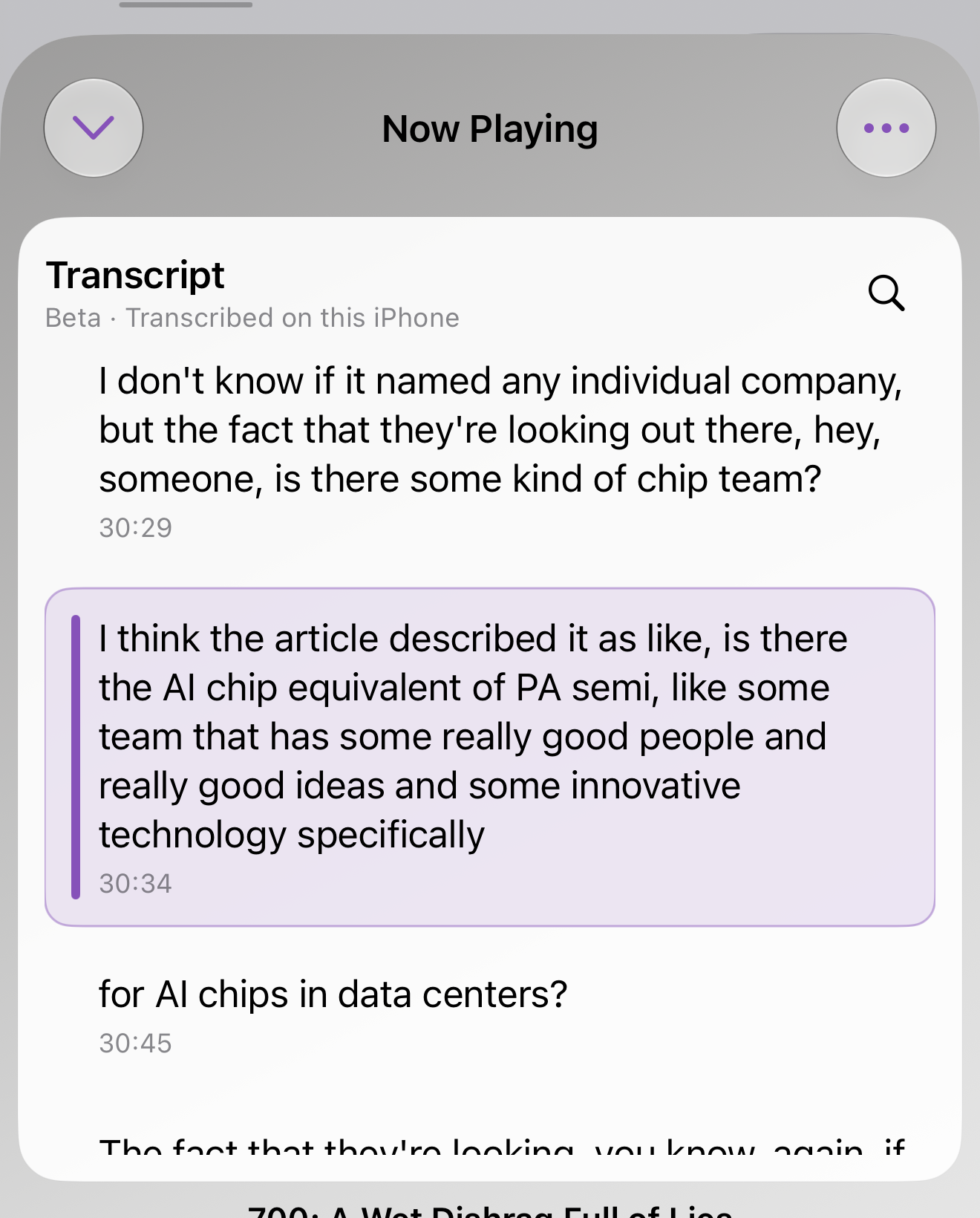
Follow along with timed text, or search the transcript to find the topic you’re after. FeedCast prefers publisher-provided transcripts when available. On iOS 26 or later, use on-device transcription models to fill in the gaps.
Play an episode from Up Next, or find a new one in your Podcasts and Discover recommendations.
Download one episode or prepare everything in Up Next before you leave a connection behind.
Suggestions reflect the shows you Follow or Subscribe to and the episodes you spend time with.
Pick your flavor
Follow System or choose Light or Dark. Then go bold, keep it quiet, or change your mind tomorrow—six accent themes and matching app icons make FeedCast feel like yours.
Appearance
Flavor
Previewing: Light · Grape
Respect built in
FeedCast handles listening information with care, explains how features work, and gives listeners meaningful choices.
Listening information is handled thoughtfully and used to create a clear benefit for listeners.
Important controls and privacy decisions are explained in plain language.
Feed credentials and complete private URLs stay out of sharing, logs, diagnostics, and marketing material.
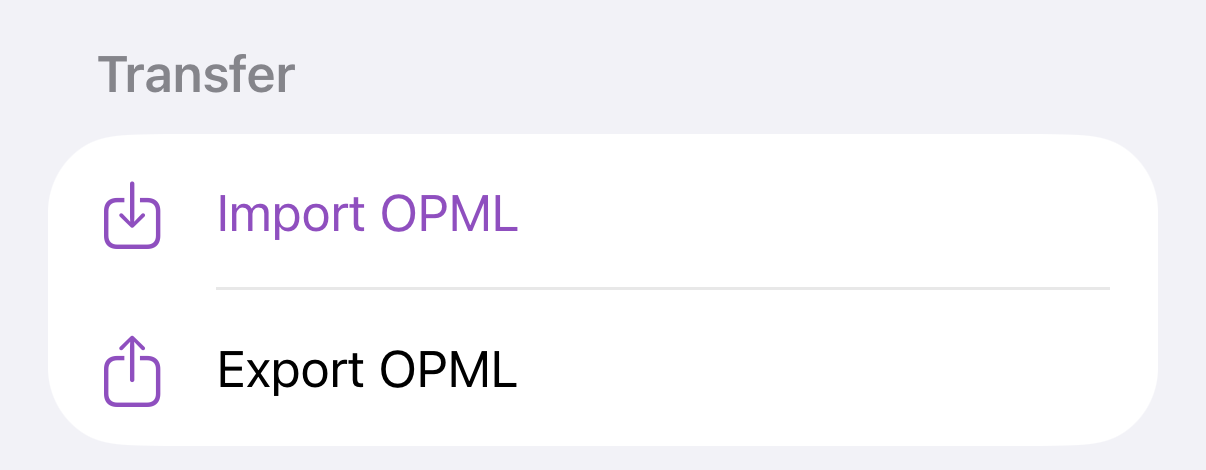
Import and export subscriptions with OPML so your podcast library can move with you.
Get FeedCast
Follow @feedcastfm for release news, feature previews, and the App Store link when it is ready.
Good questions
Both save a show. Subscribe also adds future episodes to Up Next. Follow leaves future episodes out until you choose them.
Yes. FeedCast supports OPML import and export, so your library can move in either direction.
FeedCast supports direct private feed entry and takes special care not to expose credentials or complete private feed URLs in sharing, logs, or diagnostics.
Not every episode. FeedCast prefers publisher-provided transcripts when available. On iOS 26 or later, use on-device transcription models to fill in the gaps.
feedcast.fm/play is reserved for a possible future FeedCast web player. No web player or availability date has been announced.